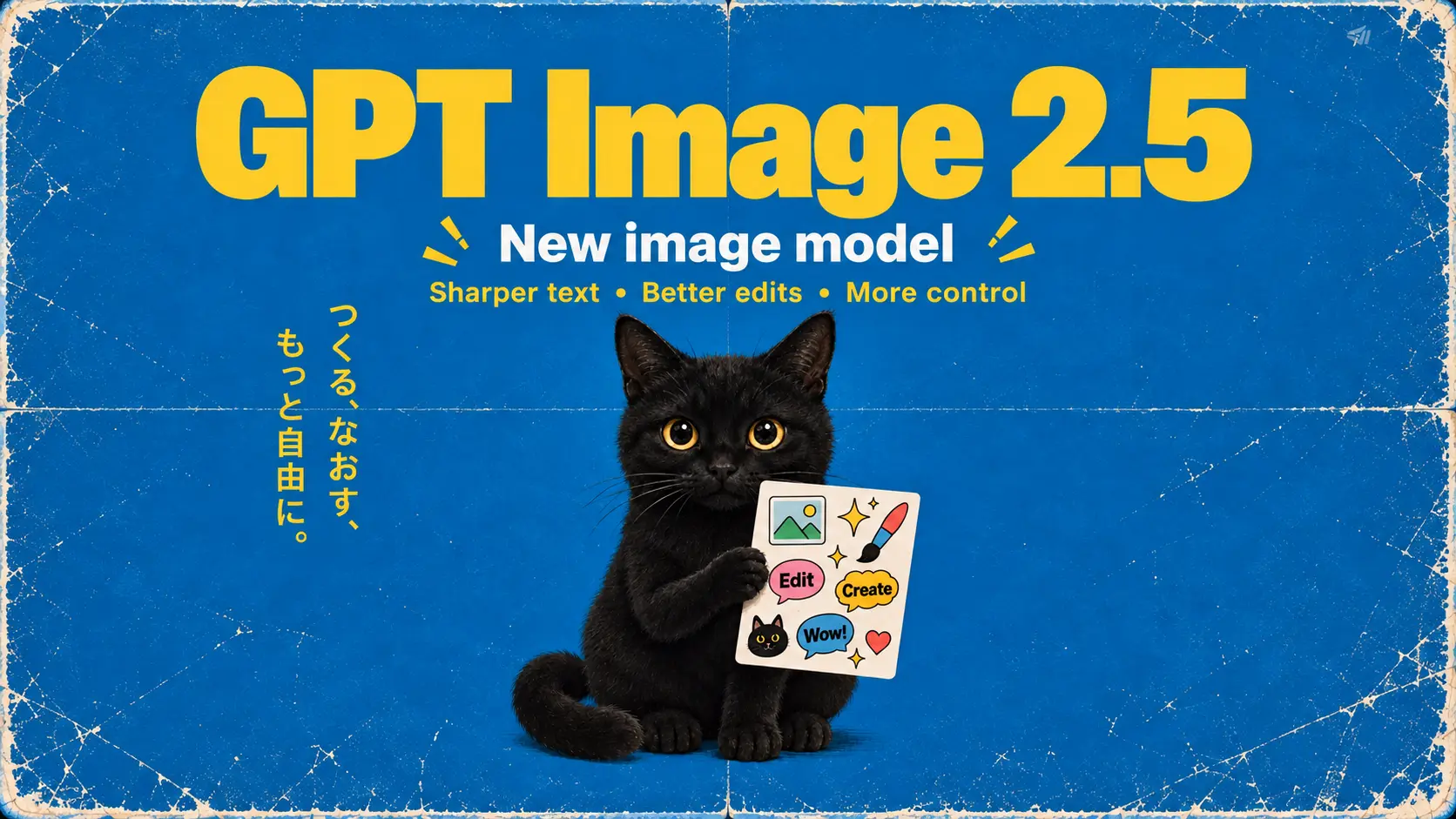
GPT Image 2.5
Create from a prompt or edit references with GPT Image 2.5: Flare for everyday exploration, or Sunburst for more detailed edits.
Page coming soon →Create images from a prompt or use reference images to guide an edit. Develop product visuals, character studies and assets for your next video.
Explore more tools
Create images from a prompt or use reference images to guide an edit. Develop product visuals, character studies and assets for your next video.
Create from a prompt or edit references with GPT Image 2.5: Flare for everyday exploration, or Sunburst for more detailed edits.
Page coming soon →How it works
Preview the result before downloading. Check text, faces, product details and other important elements; another generation may be needed.
Create images from a prompt or use reference images to guide an edit. Develop product visuals, character studies and assets for your next video.
Choose from the aspect ratios, resolutions and options offered by the current model and mode. Availability can differ between workflows.
Preview the result before downloading. Check text, faces, product details and other important elements; another generation may be needed.
Preview the result before downloading. Check text, faces, product details and other important elements; another generation may be needed.
Why Choose NovaImage
Create images from a prompt or use reference images to guide an edit. Develop product visuals, character studies and assets for your next video.
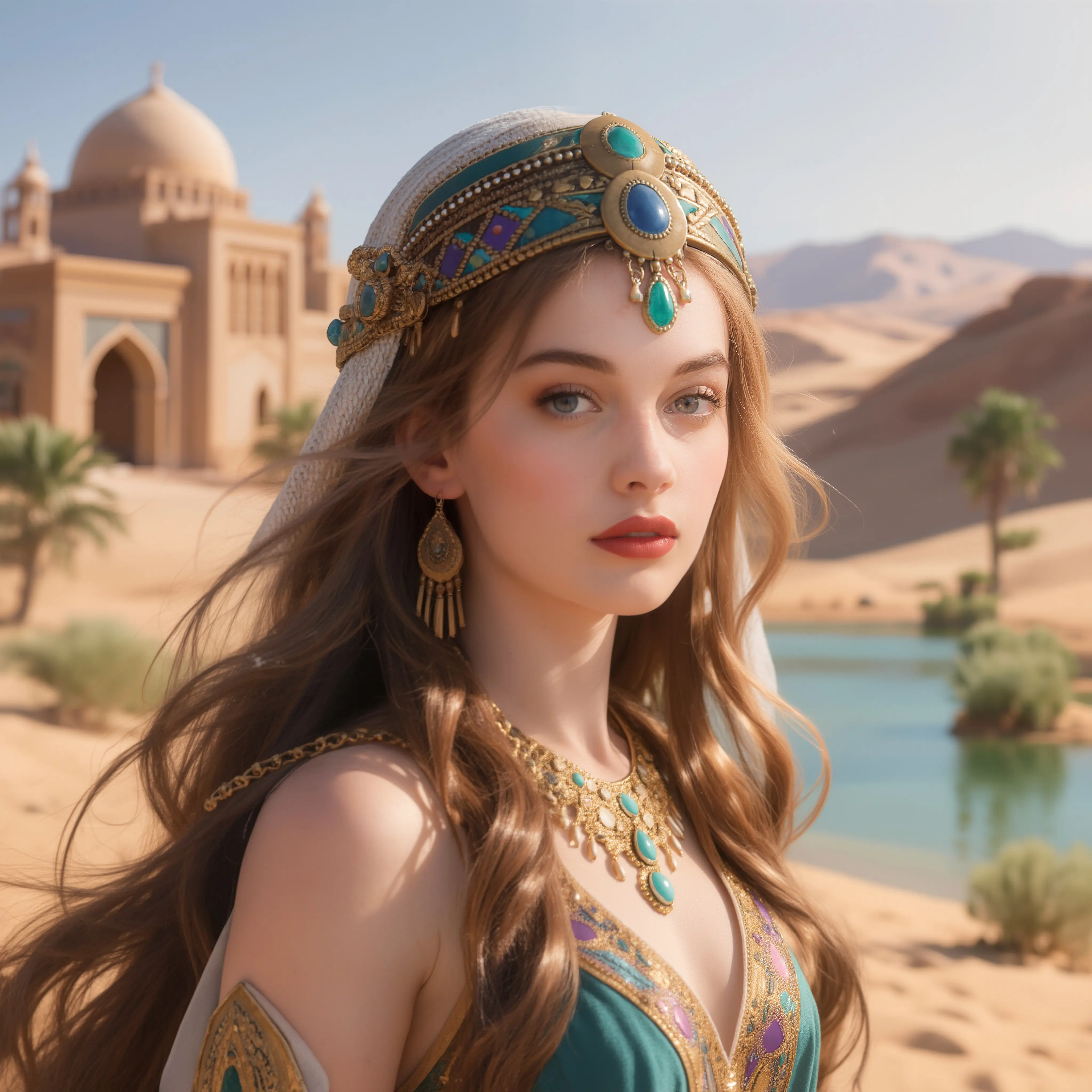
Create images from a prompt or use reference images to guide an edit. Develop product visuals, character studies and assets for your next video.
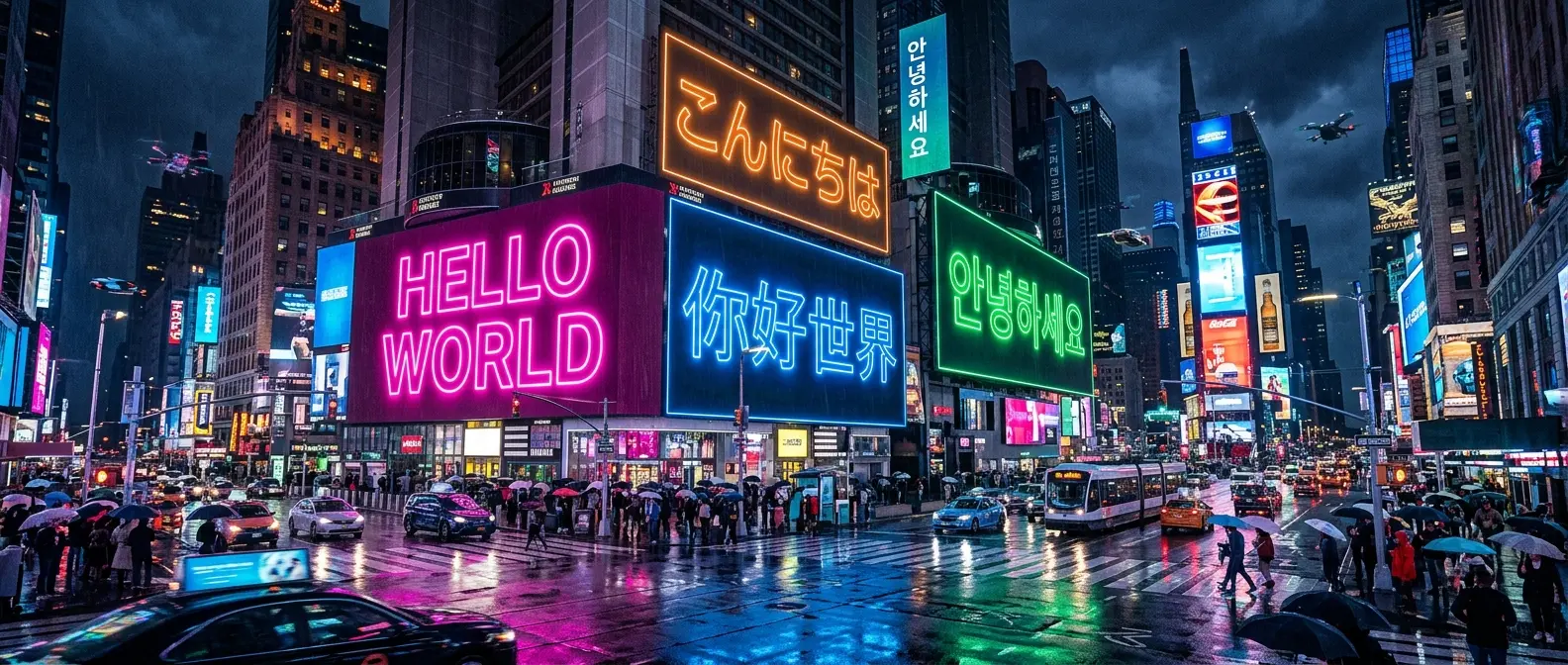
Describe a specific change to the subject, background or lighting. Review the new result and use it as a reference for another iteration when needed.
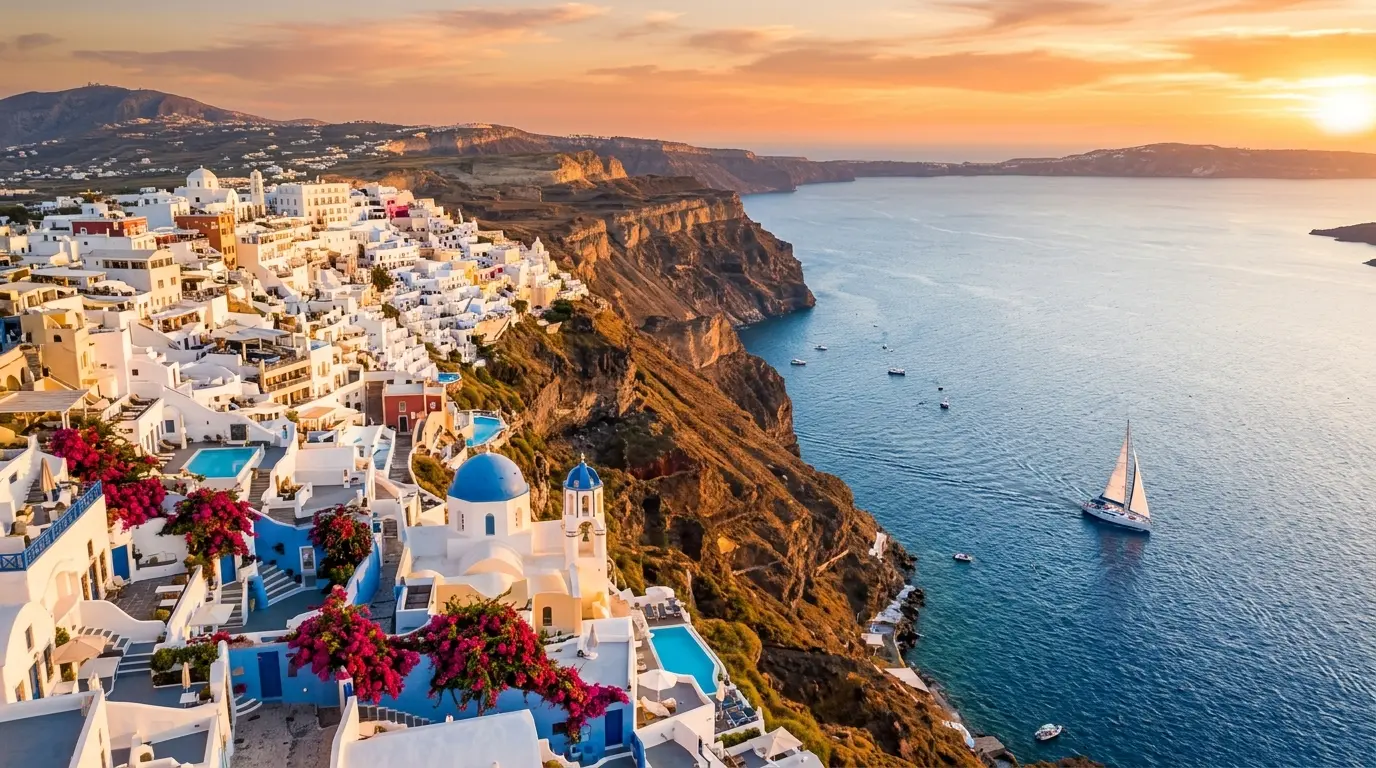
Choose from the aspect ratios, resolutions and options offered by the current model and mode. Availability can differ between workflows.
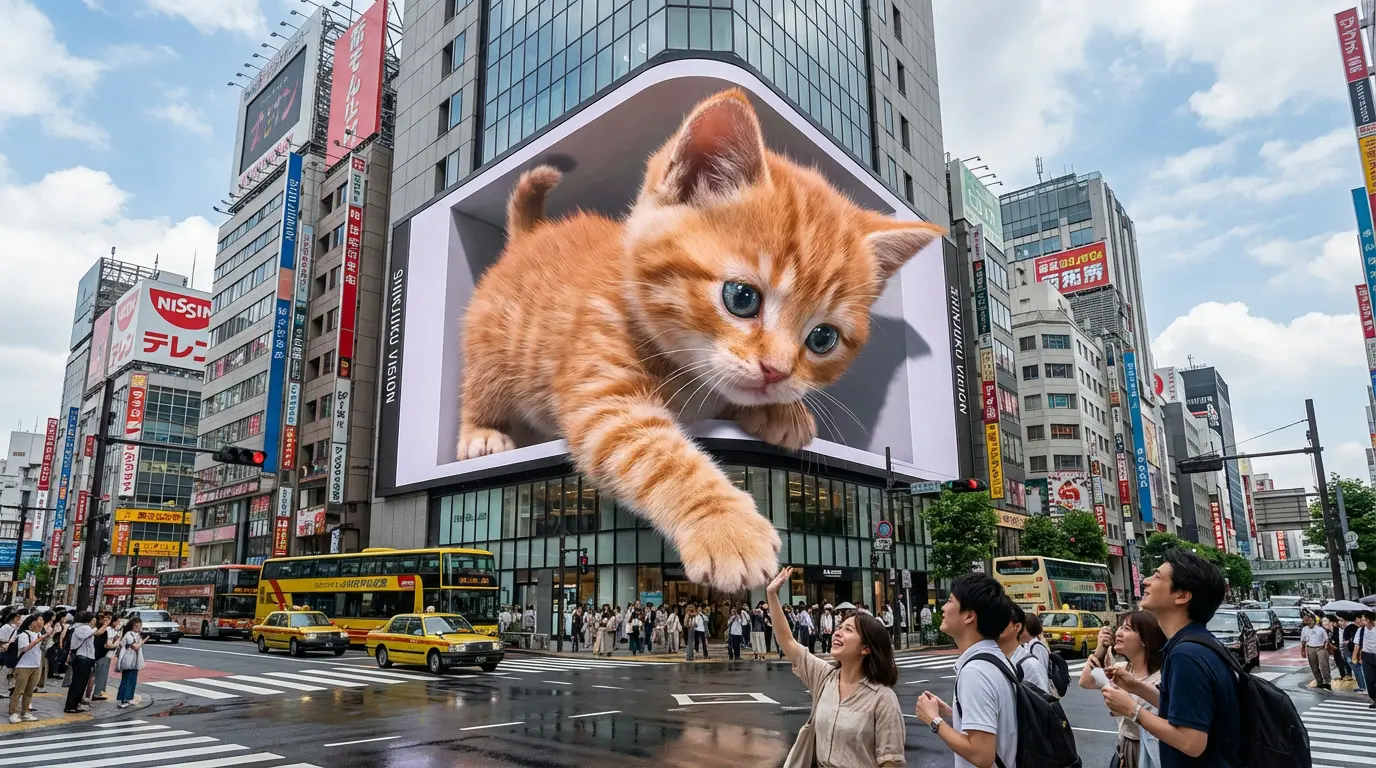
Preview the result before downloading. Check text, faces, product details and other important elements; another generation may be needed.
Model guide
Choose from the aspect ratios, resolutions and options offered by the current model and mode. Availability can differ between workflows.
Create from a prompt or edit references with GPT Image 2.5: Flare for everyday exploration, or Sunburst for more detailed edits.
Page coming soonUse Flare for everyday image ideas and variations.
Choose Sunburst when your reference edits need closer attention to detail and composition.
Select Flare or Sunburst, then describe the result you want and the details to preserve.
Built for real creative work
Create product visuals, campaign assets, character references, and social posts with the AI Image Generator.
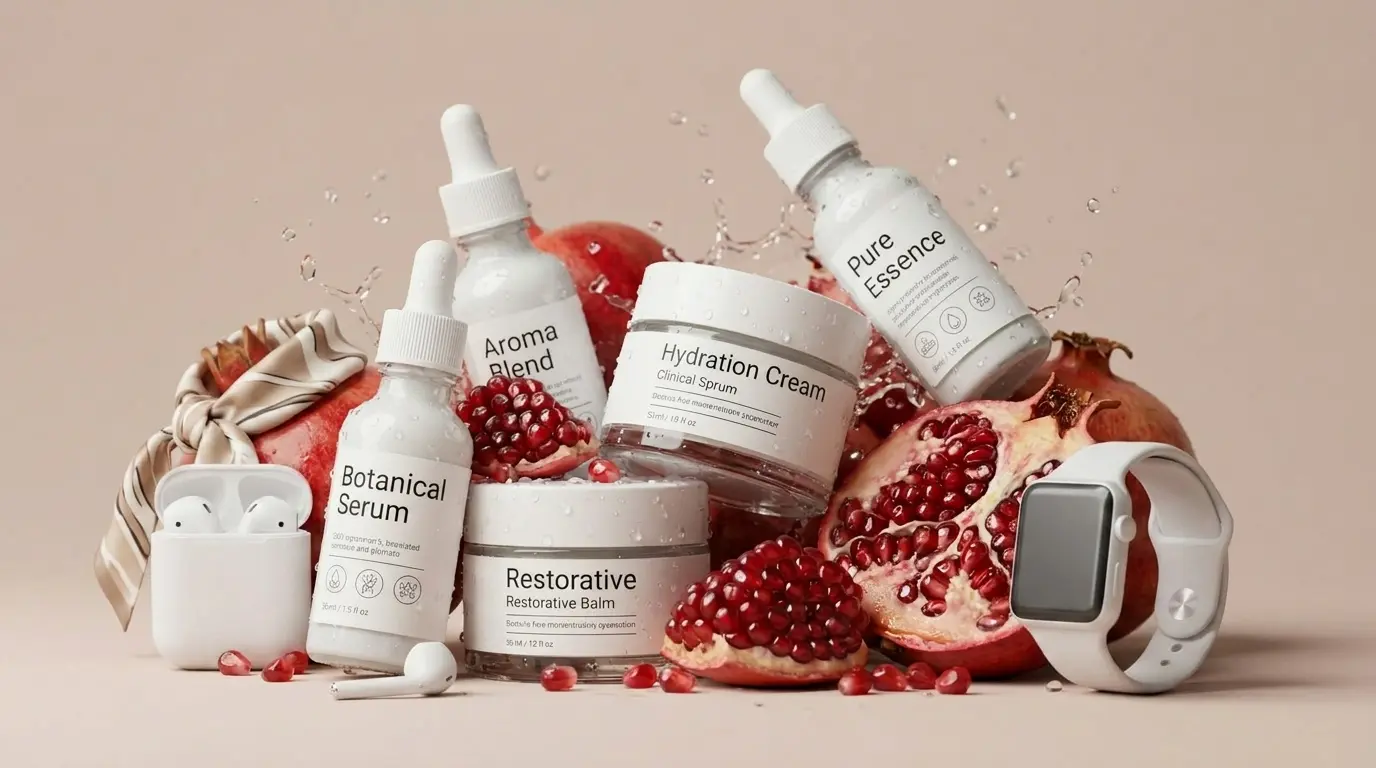
Build product scenes, seasonal versions, and promotional backgrounds with NovaImage, developing each variation from your original direction.
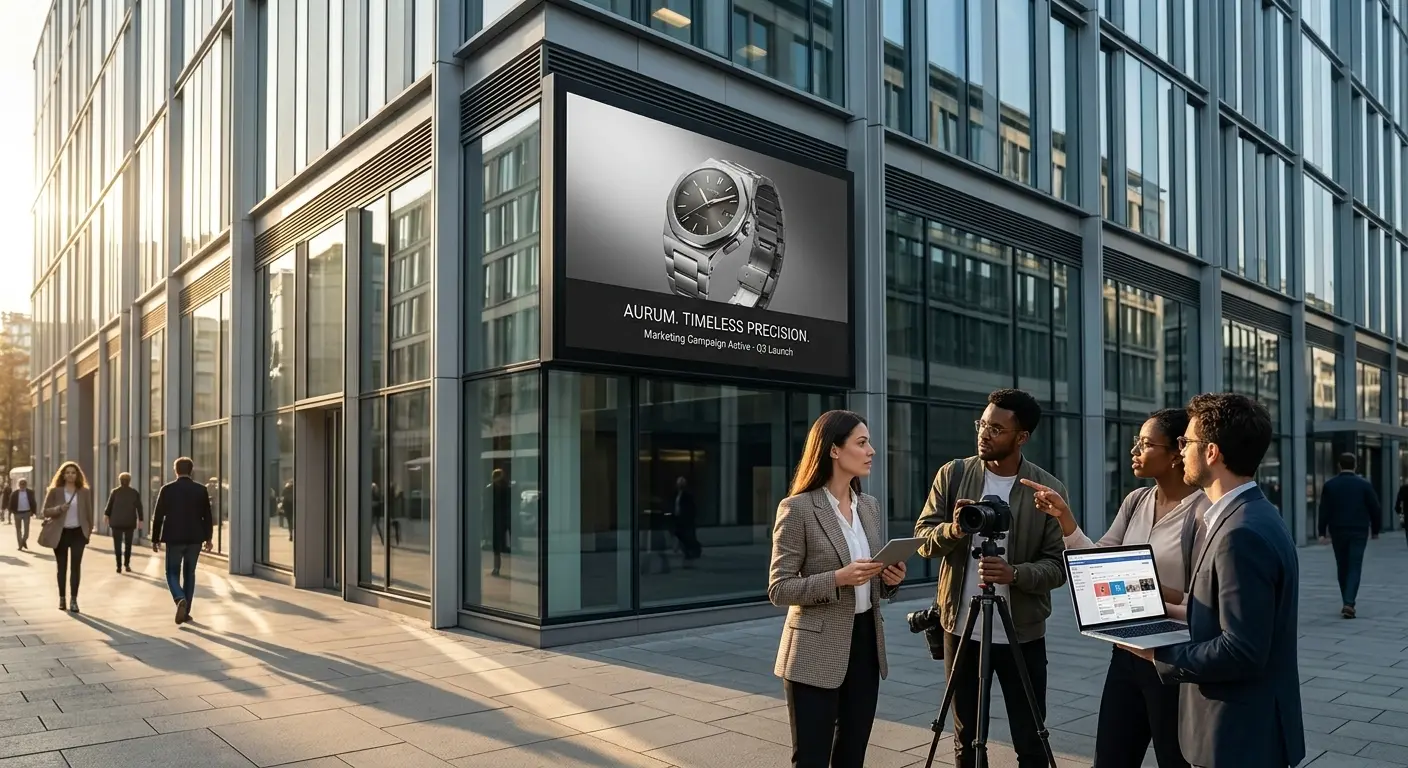
Use NovaImage to turn campaign ideas into ad concepts and brand graphics that are ready for creative review.
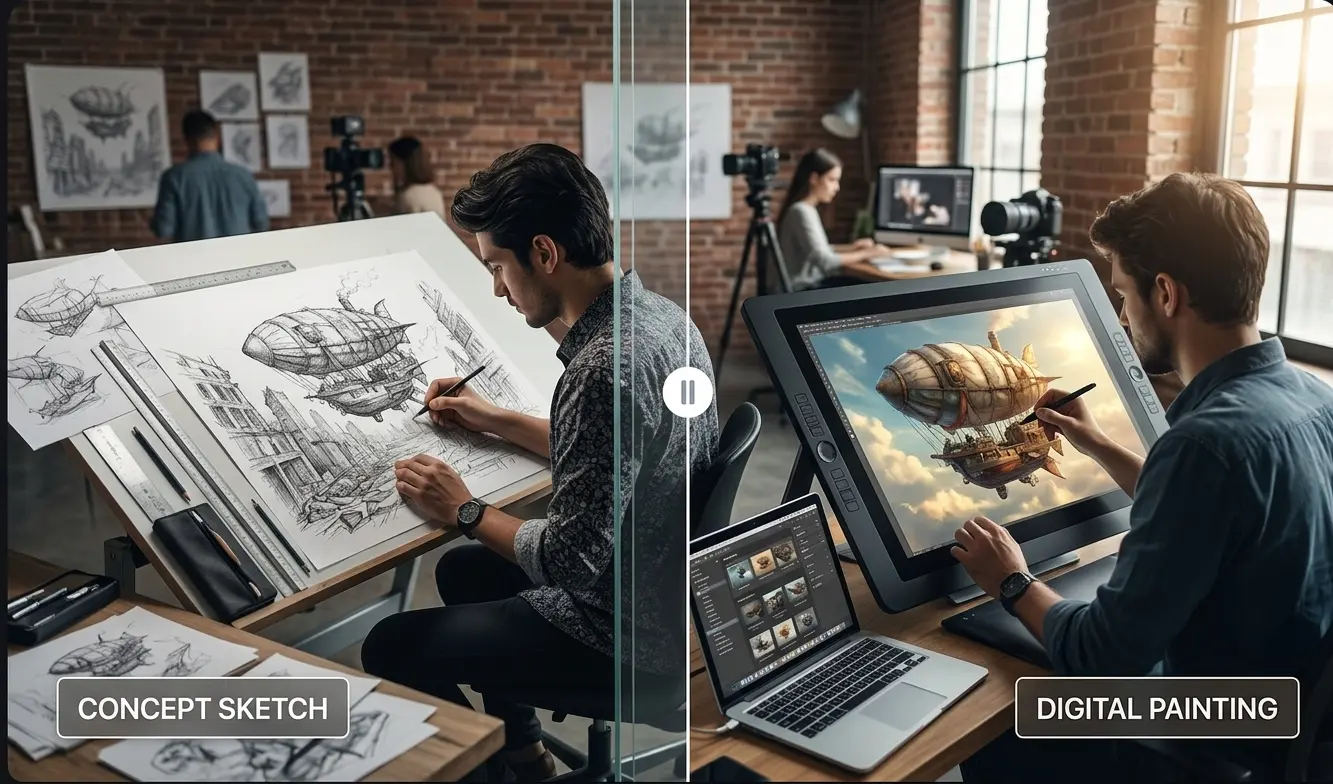
Explore character references, alternative scenes, and storyboard sequences while keeping the same creative direction.
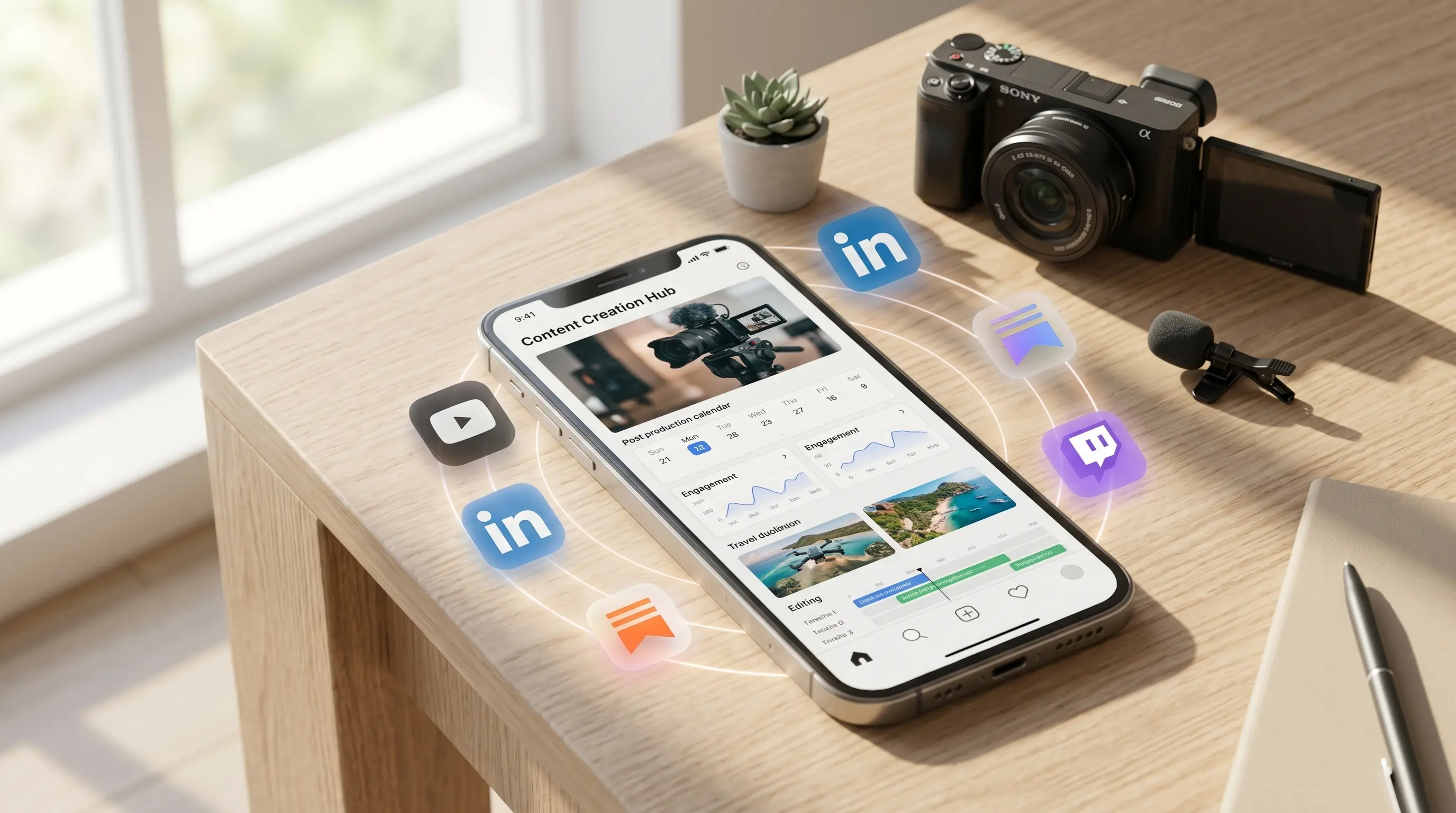
Create variations for posts, thumbnails, and recurring content without rebuilding each visual from the beginning.
FAQ
Practical answers before you start creating and editing images in NovaImage.
Credits depend on the selected mode and options. Check the amount shown on the Generate button before submitting.
Start creatingNovaImage is an independent video and image creation platform using third-party AI models. Learn more