
Choose a Mode
Create a scene from text or guide motion with images and the references supported by your selected mode. Describe the subject, camera and action before generating.
Create a scene from text or guide motion with images and the references supported by your selected mode. Describe the subject, camera and action before generating.
Overview
Generate dynamic scenes, cinematic clips, and marketing videos directly in your browser using state-of-the-art AI models like Seedance and Veo 3.
Turn your prompts into high-definition scenes with natural camera motion, lighting, and audio.
Animate still photos, portraits, or product shots into engaging video clips in seconds.
Keep characters, artistic style, and compositions consistent across all your generated shots.
How it works
Preview the result before downloading. Check text, faces, product details and other important elements; another generation may be needed.
Create a scene from text or guide motion with images and the references supported by your selected mode. Describe the subject, camera and action before generating.
Create a scene from text or guide motion with images and the references supported by your selected mode. Describe the subject, camera and action before generating.
Choose from the aspect ratios, resolutions and options offered by the current model and mode. Availability can differ between workflows.
Preview the result before downloading. Check text, faces, product details and other important elements; another generation may be needed.
Why Choose NovaImage
Create a scene from text or guide motion with images and the references supported by your selected mode. Describe the subject, camera and action before generating.
Create a scene from text or guide motion with images and the references supported by your selected mode. Describe the subject, camera and action before generating.
Use clear reference images and explain which subjects, colors or composition details should carry into the result. Check the upload limits shown in the generator.
Choose from the aspect ratios, resolutions and options offered by the current model and mode. Availability can differ between workflows.
Preview the result before downloading. Check text, faces, product details and other important elements; another generation may be needed.
Model guide
Choose from the aspect ratios, resolutions and options offered by the current model and mode. Availability can differ between workflows.
Generate video and audio together from a prompt, an image, or supported reference media.
Available in the current model workflow.
Available in the current model workflow.
Available in the current model workflow.
Choose the model that best matches your goal, references, and preferred controls.
Application Scenarios
Develop product clips, campaign ideas, story scenes, and regular social content with the Seedance AI Video Generator.
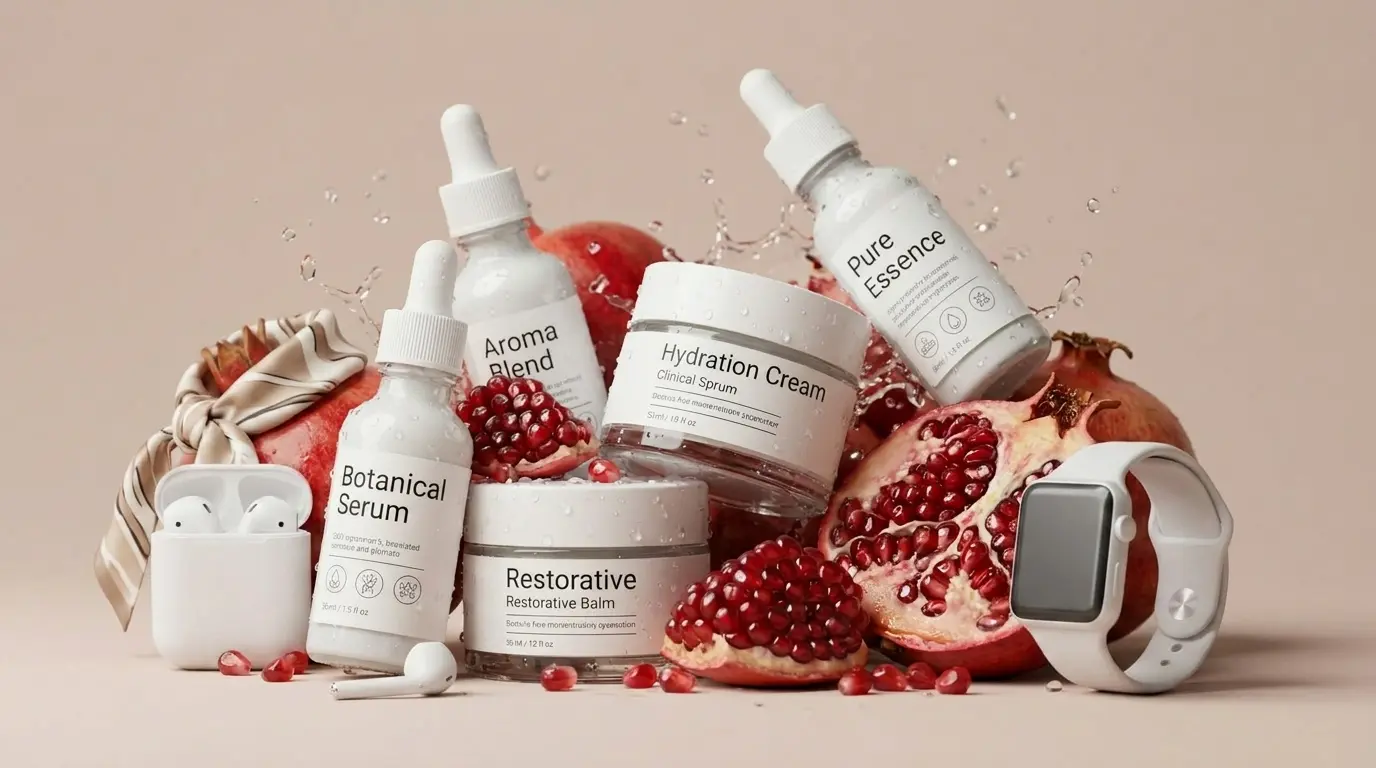
Animate product images into seasonal settings and short campaign variations while building on the same creative idea.
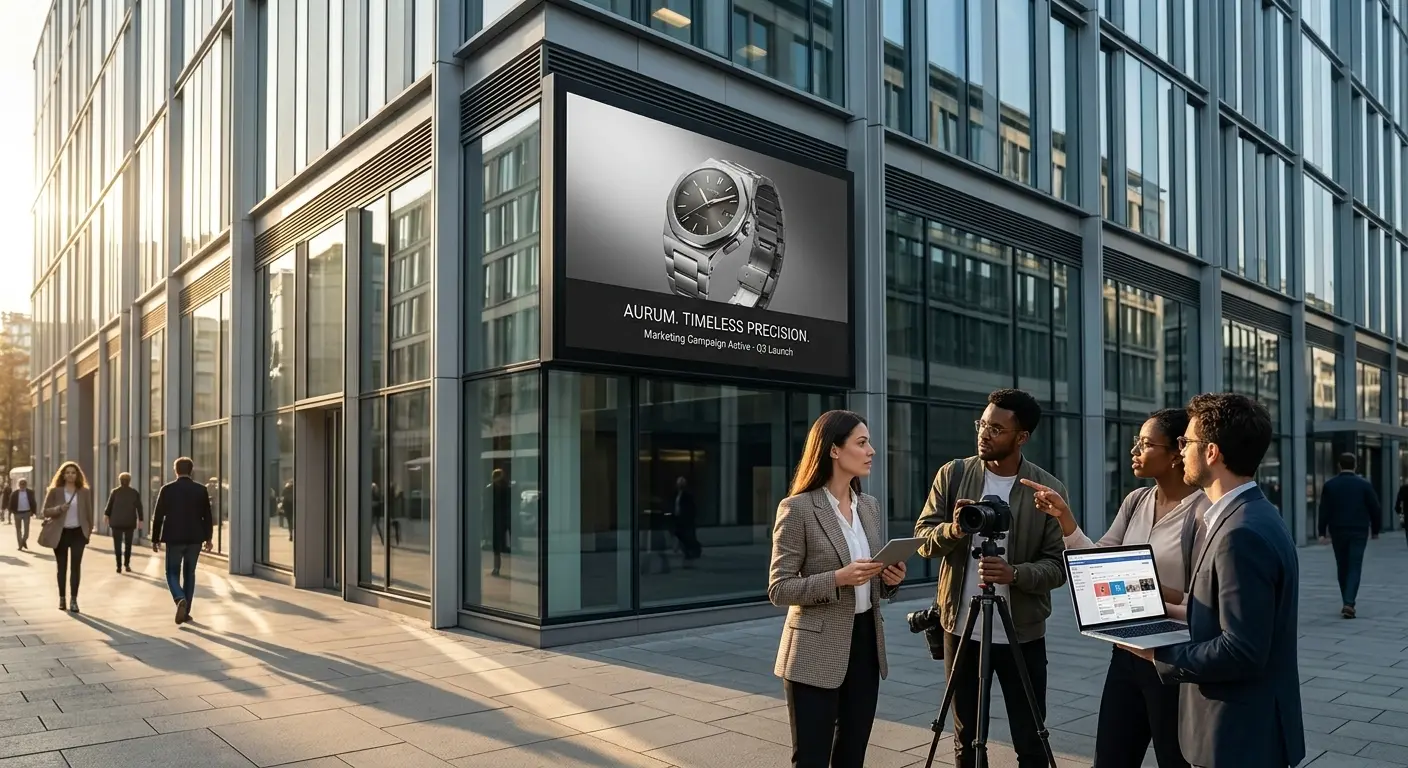
Turn campaign concepts into motion studies, launch teasers, and visual stories your team can review.
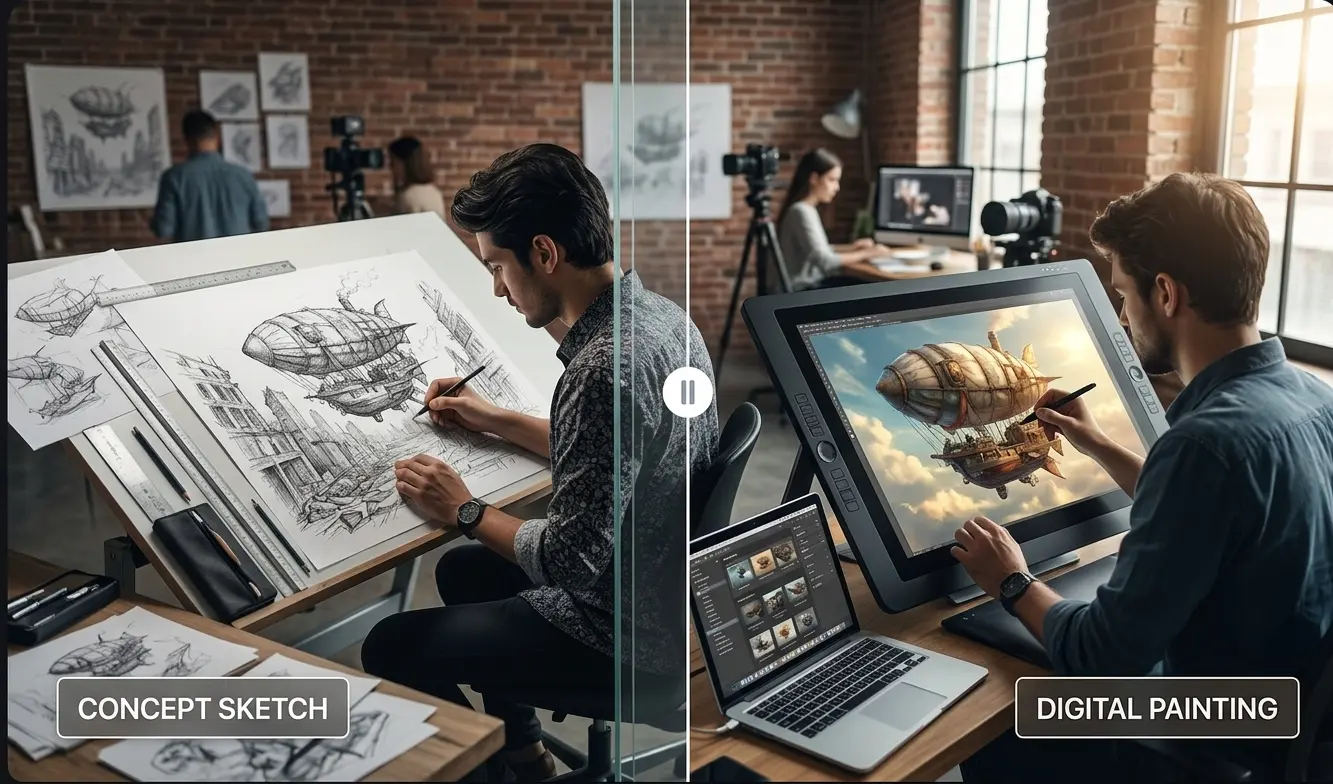
Use a clear brief and visual references to develop character actions, connected scenes, and key story moments.
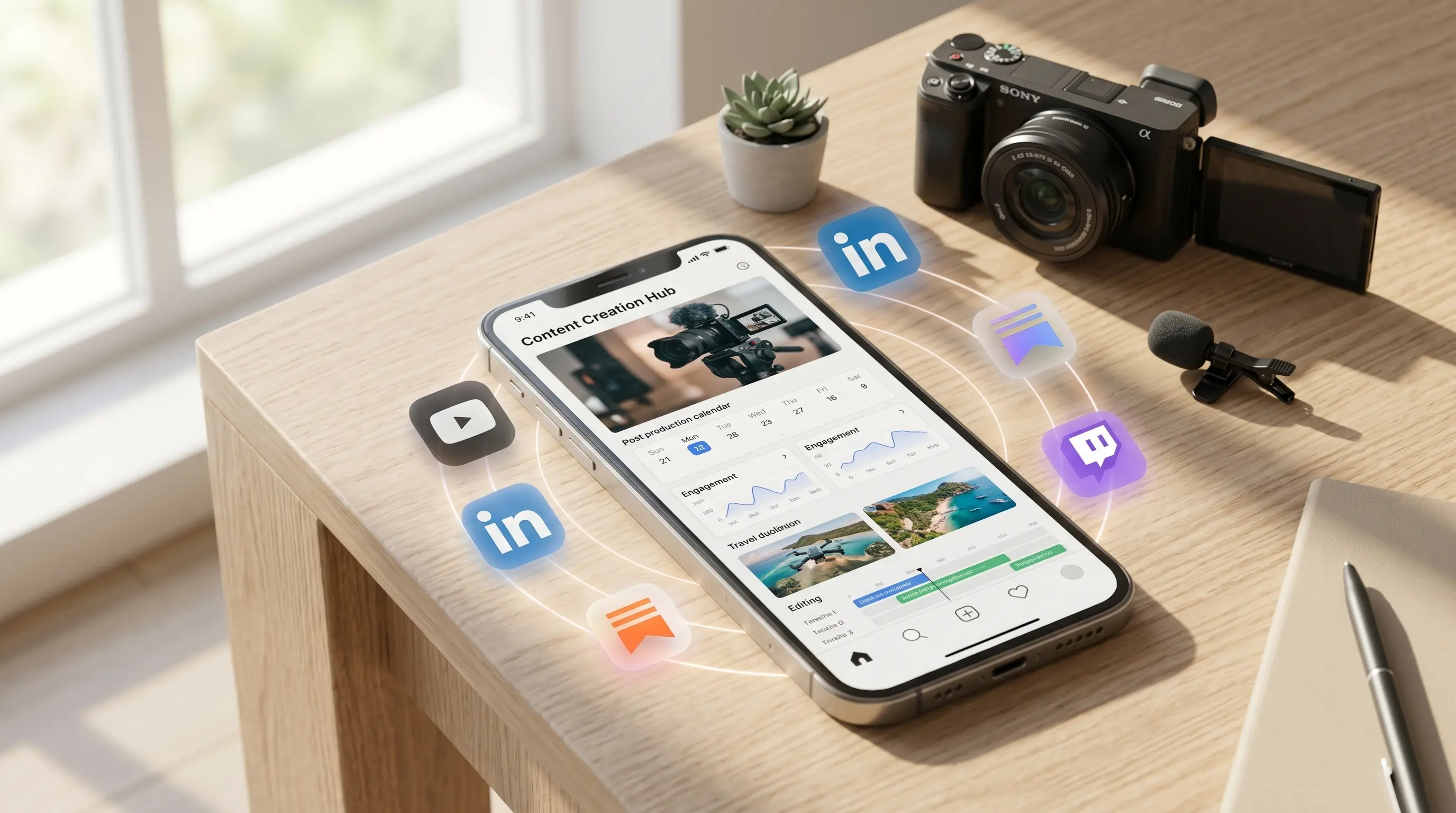
Try short video ideas for social posts, teasers, and recurring creator series, adapting each clip to the next release.
FAQ
Answers to common questions before you start creating.
Credits depend on the selected mode and options. Check the amount shown on the Generate button before submitting.
Start creatingNovaImage is an independent video and image creation platform using third-party AI models. Learn more